New to Notion? These beginner tips will help you organize your work, studies, notes, and projects without feeling overwhelmed.
Want to find out if the Notion program will be useful for you? At the end of this article, you’ll find a 5-minute quiz prepared by our experts to help you discover if the Notion program really makes sense for you.
Quick Answer
Notion is a suitable platform for all levels, from beginner to advanced, but the best way to learn Notion is to start with the basics. Focus on pages, blocks, templates, and databases before exploring advanced features. These beginner tips can help you avoid common mistakes and develop quickly.
Table of Contents
- What Is Notion?
- Why Beginners Struggle With Notion
- 10 Essential Tips
- Common Mistakes to Avoid
- Free Templates for Beginners
- FAQ
- Final Thoughts
What Is Notion?
Brief overview
Notion can feel like a blank page or a powerful database. That range is intentional. We help teams turn scattered ideas, projects, and knowledge into a shared system with enough structure to actually run on.
Who is it for?
- Affiliate Marketer
- Blogger
- Student
- Freelancer
- Entrepreneur
- Large and Medium-Sized Startups
- Shared Work Team
Key benefits
- Connected Databases: Explains why Notion is unique for linking related data (clients → projects → invoices) in one place.
- Multiple Views From One Source: Same dataset can be seen as calendar, timeline, board, etc., giving flexible lenses without duplicating data.
- Searchable Knowledge Dump: Centralized, searchable repository for notes, references and links that outperforms simpler note apps on findability.
- All-In-One Flexibility: Users report using Notion for an extremely wide range of life and work tasks (projects, CRM, finances, cookbooks, trackers).
- Custom Project/Client Structuring: People successfully run businesses and client workflows by structuring databases (clients → projects → tasks).
- Templates & Dashboards (when kept simple): Simple pages and databases tend to be sustainable; complex dashboards can be powerful but risk becoming maintenance-heavy.
- Creative & Non-Productivity Uses: Works for unconventional projects — cookbooks, game-like systems, public websites, and multimedia vision boards.
- Collaboration & Paid Features: Paid tiers add collaboration scale, automations, charts and AI meeting notes that many users value for team use.
Why do beginners find Notion difficult?
- Learning Curve & Setup Time: Many warn that initial setup can be time-consuming and you can spend more time optimizing than doing work.
- Performance / Offline Limits: Users note speed and offline access are weaker compared to alternatives, which hurts capture in some workflows.
- Can Become Maintenance-Heavy: Complex dashboards or over-engineered templates can become a second job; many recommend keeping setups small and practical.
Differentiator:
- Leverage Creative Uses & AI: Users experiment with AI for journaling, formulas, and playful systems (games, cookbooks, public sites).
- Pay For Team Needs: Consider upgrading if you need many collaborators, larger file limits, automations or AI features.
- Use Notion Where It Shines: Reserve Notion for interlinked databases, knowledge search, and multi-view project tracking; use lighter apps for ultra-fast capture if needed.
- Keep It Simple: Use basic pages/databases you actually open; avoid overly fancy templates.
First piece of good news:
You don’t need to master everything on day one.
Second piece of good news, and even better:
ElevareMind is always bringing new products, good alternatives, good prices, and AI tools to our readers. Because of this, we are now partners with Notion and have secured a benefit for you who have read this far.
With our invitation, our readers will enjoy the following benefits:
- 3 months of Notion Business for free—one of the best plans available
- Unlimited access to Notion AI for seamless integration and maximum productivity
- Best of all: no credit card is required to sign up and start testing the platform—it’s a frictionless experience designed to let you explore the tool at your own pace.
Access the invitation to enjoy the benefits
10 Essential Tips for Notion Beginners
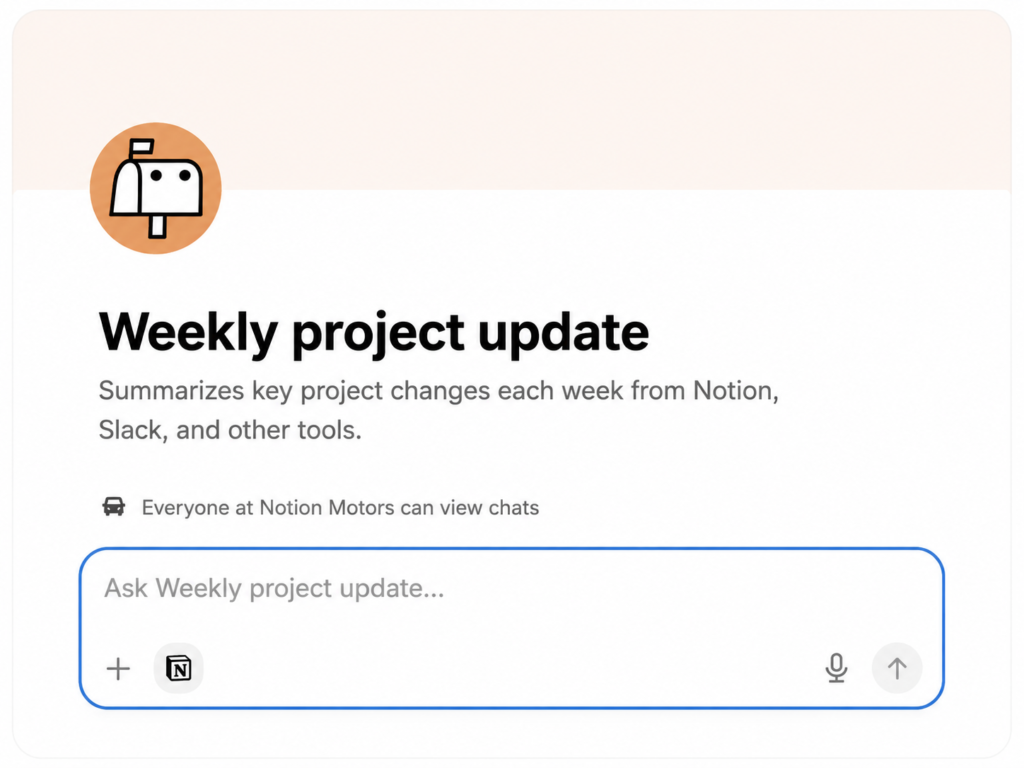
Create a custom agent for project reports.
Ask the Notion Custom Agent to automatically resume project updates and post them to Slack.
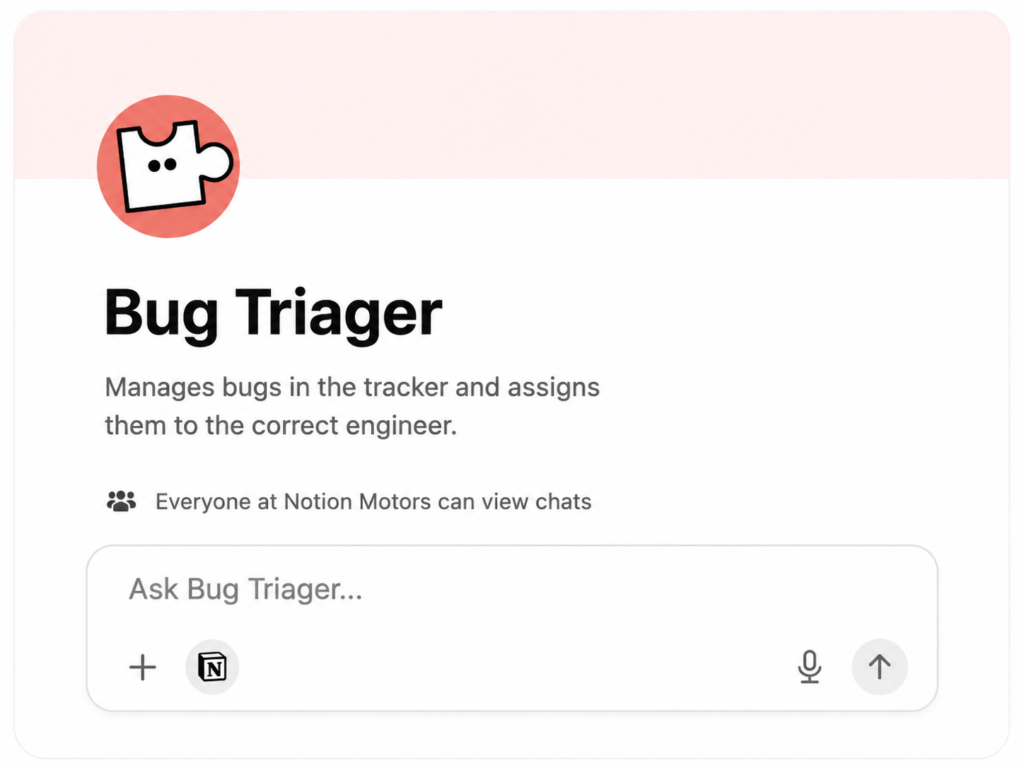
Create a custom agent for bug triage
See how your custom Notion agent can prioritize bugs and route them immediately to the right engineering team members.
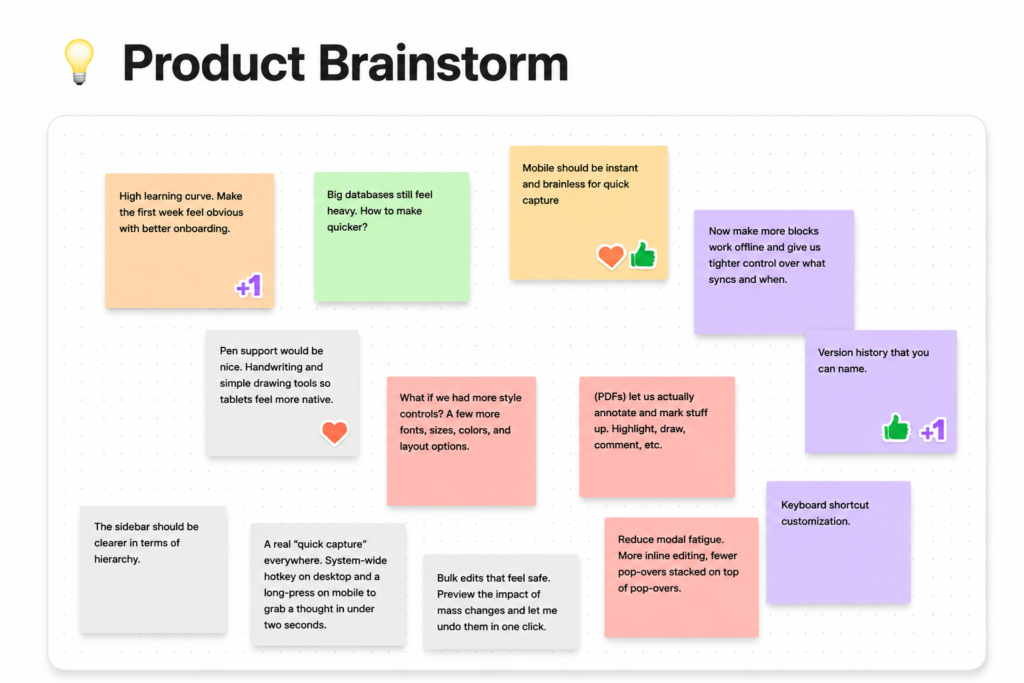
Turn a brainstorming session into a roadmap
Let the Notion Agent turn your disorganized notes from the last brainstorming session into a fully actionable roadmap.
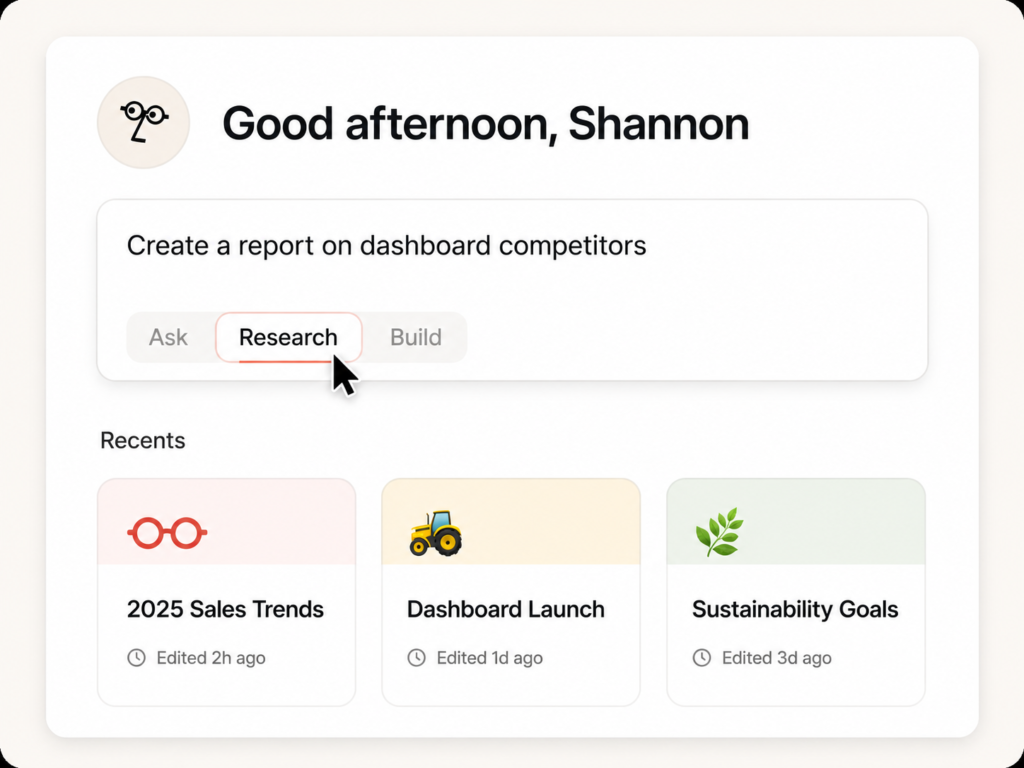
Create a research report
See how your agent can transform meeting notes and customer feedback into a structured research report.
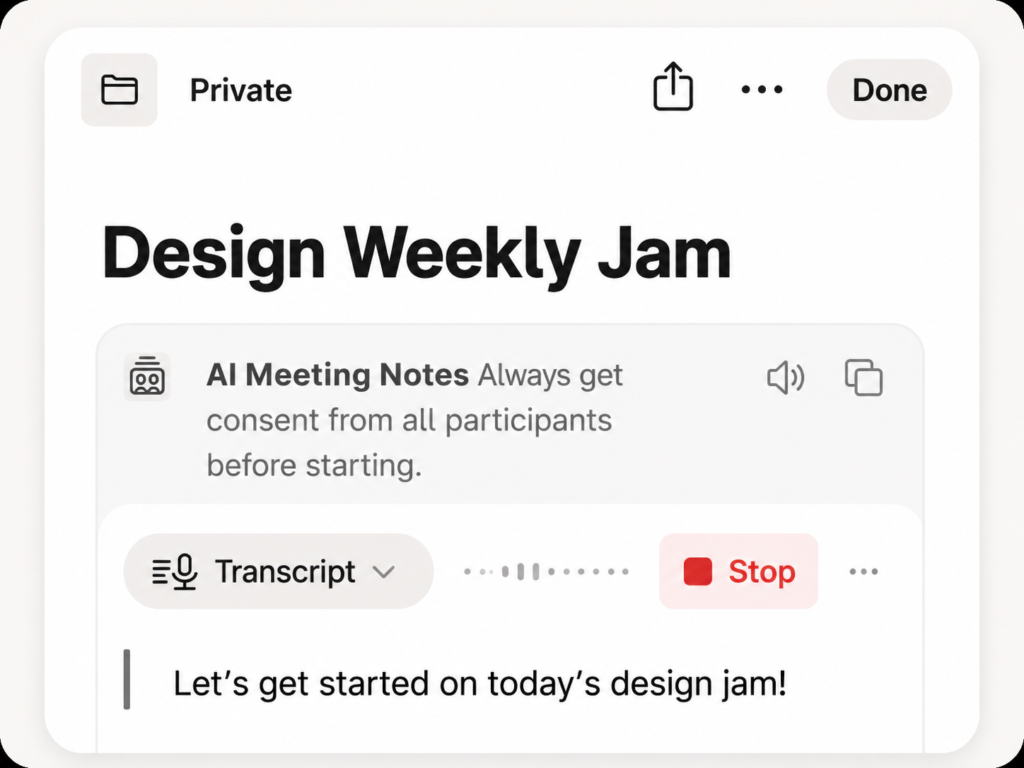
Take notes with the help of AI
Focus on the meeting topic without getting distracted by note-taking. See how Notion helps you automatically schedule and recap meetings, create action items, and draft follow-up messages using AI.
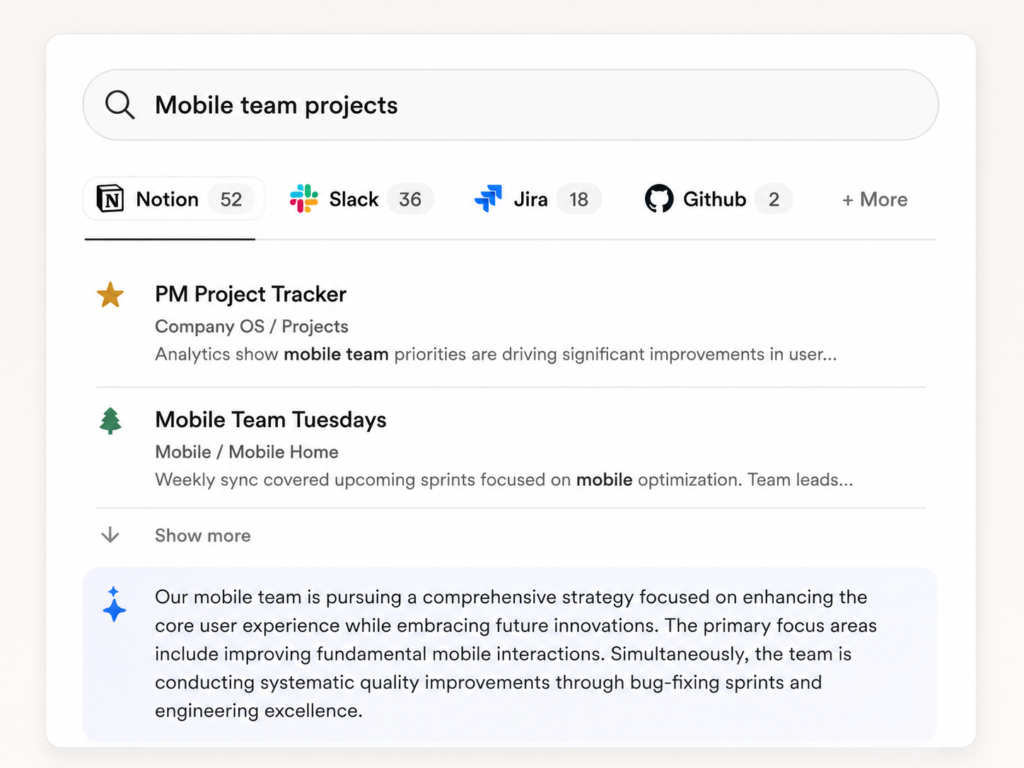
Find answers drawn from various tools.
Get answers, wherever they are. Find what you need instantly with Enterprise Search.
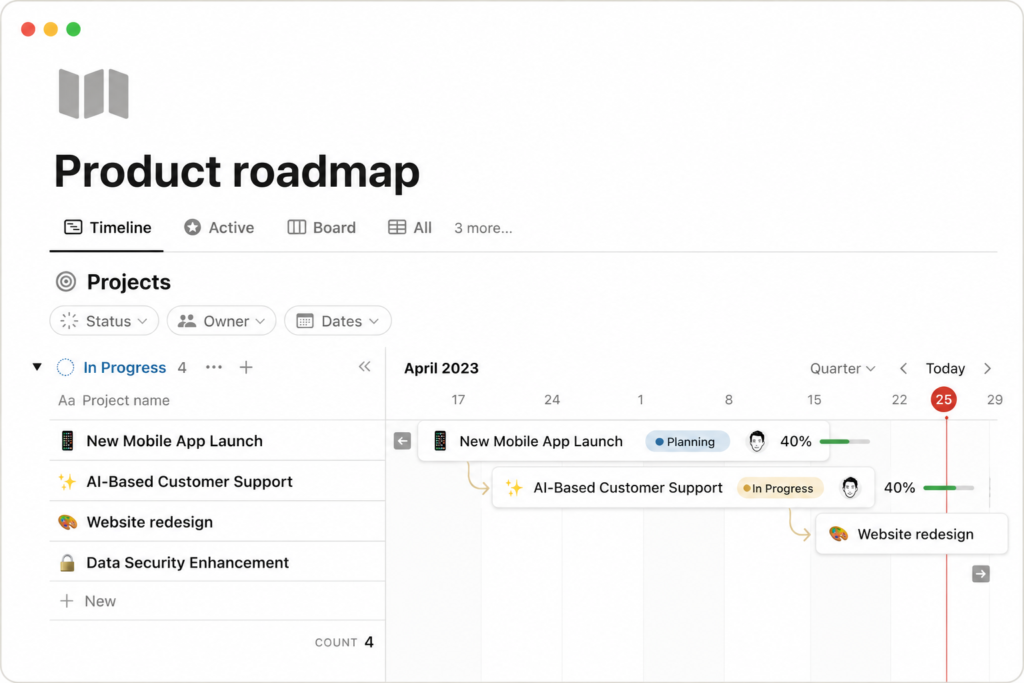
Create product roadmaps
Create effective roadmaps that your entire team can view, format, and implement. Use Notion to maintain a reliable source of information, track projects across teams, and stay on top of progress.
Centralize your knowledge base.
It’s difficult to move quickly when information is scattered and disorganized. Centralize and easily search all your knowledge in Notion.
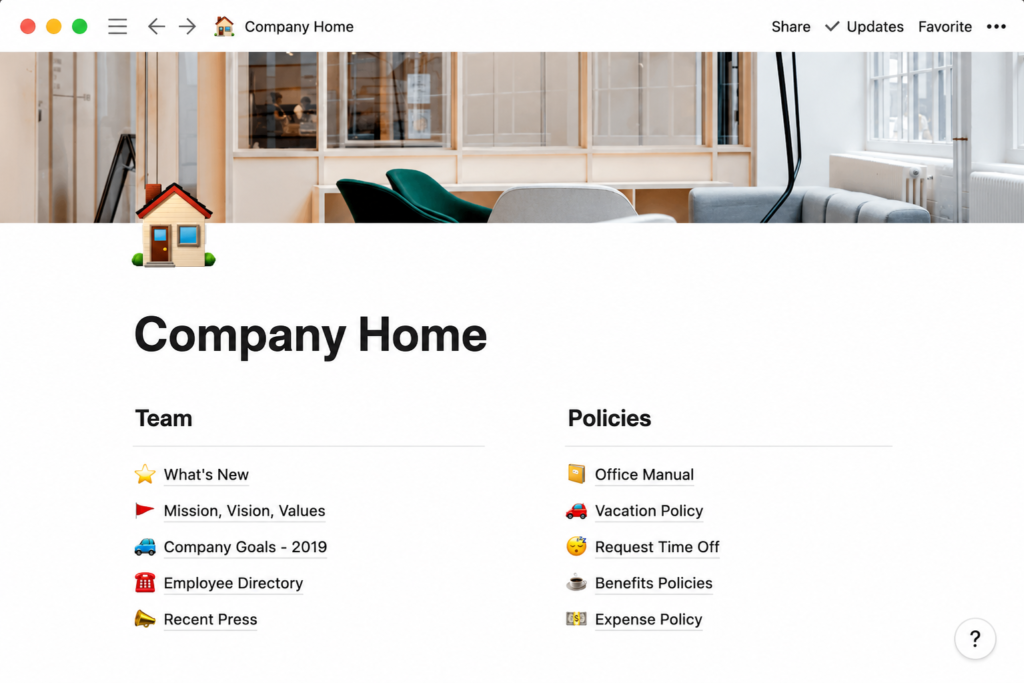
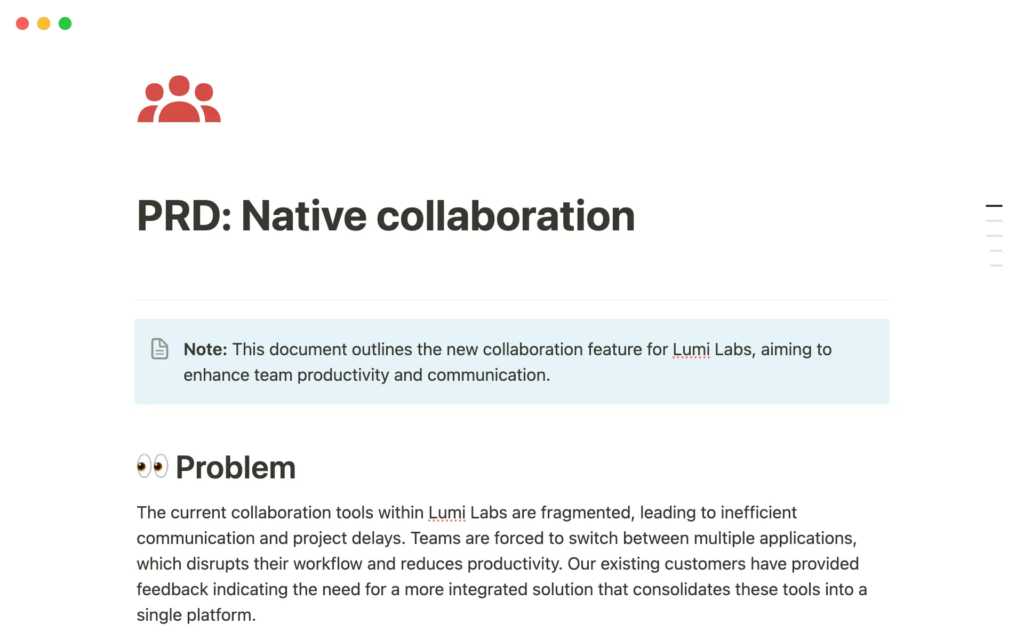
Manage product requirements documents
No more wondering “where is the most recent document?” See how Notion makes it easy to create a single, reliable source of information for all your requirements documentation.
Common Mistakes Beginners Make
| Mistake | Better Approach |
| Creating too many databases | Start with one |
| Building complex systems | Keep it simple |
| Ignoring templates | Use ready-made layouts |
| Trying to learn everything | Learn gradually |
Beginner Setup Checklist
Create a home page ✔
Learn blocks ✔
Install mobile app ✔
Try templates ✔
Favorite pages ✔
Test Notion AI ✔
Learn keyboard shortcuts ✔
Best Free Templates for Beginners
- Study Schedule
- Shopping Wishlist
- College
- Advanced To-Do List
- Personal Library
Explore 348 categories and over 20,000 ready-to-use templates.
Recommended Resources
- Official Notion Guide
- Notion Academy
- Community Templates
- YouTube Tutorials
- Webinars
FAQ
No, if you follow the instructions above.
It depends largely on your availability; some people learn it in a day, while others take a week.
Yes, because you will need a place to store your small wins.
Yes, there are both free and paid plans.
Yes.
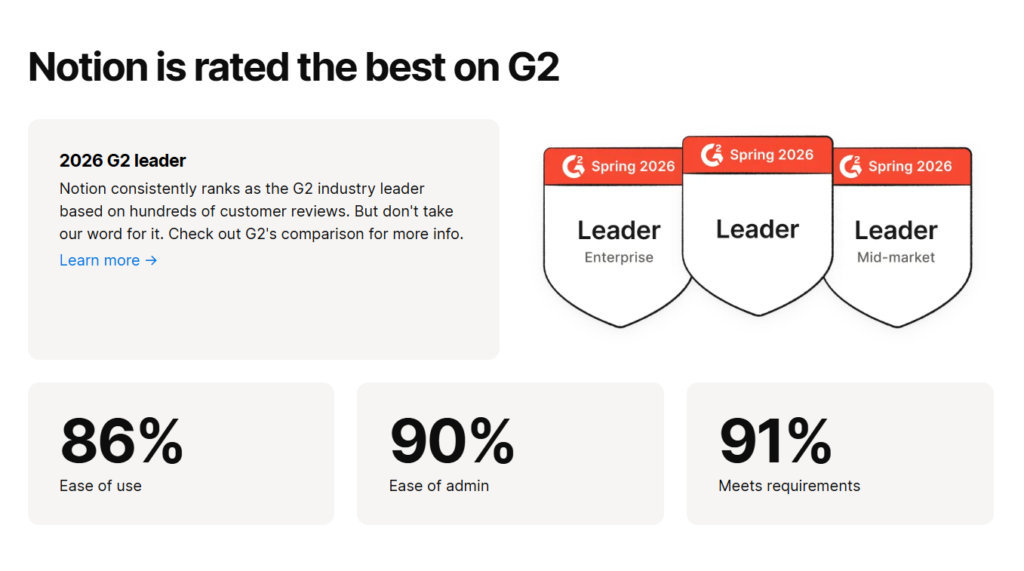
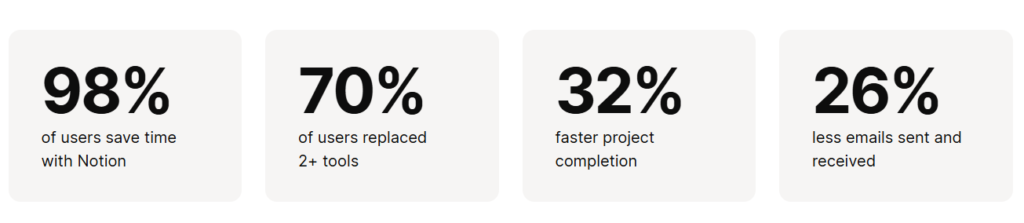
Based on user feedback, yes; it remains one of the most popular platforms right now.
Final Thoughts
My recommendation for you
If you’re thinking about trying Notion, this is probably the easiest way to start. You get 3 months of Notion Business for free, unlimited access to Notion AI, and you don’t even need a credit card to sign up. I recommend taking advantage of the free access and exploring everything at your own pace—you might be surprised by how much it can improve your workflow.